Tailwind to Webflow: utility classes in, clean Webflow classes out
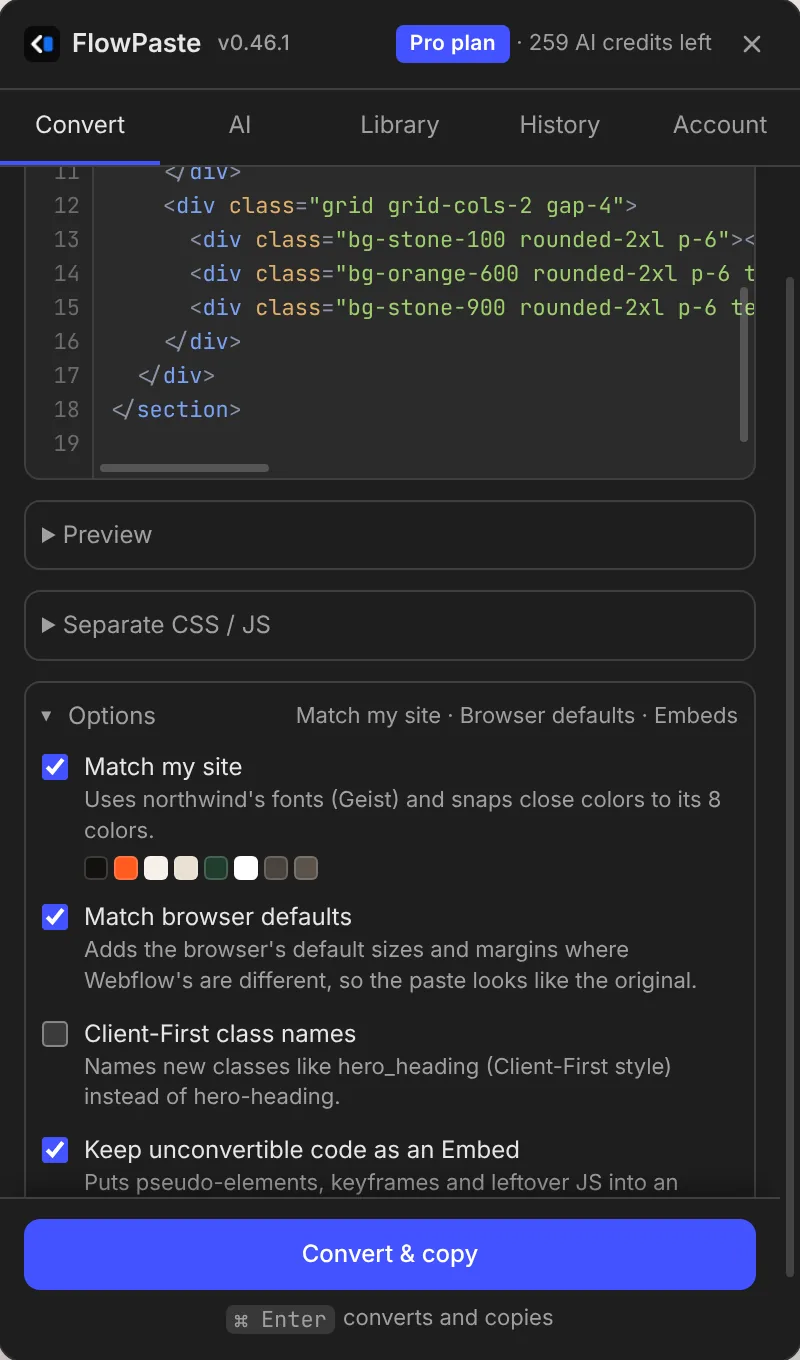
Tailwind markup has many utility classes on each element, and Webflow cannot run the Tailwind compiler. FlowPaste compiles your Tailwind, which includes the CDN script and an inline tailwind.config. Then FlowPaste makes 1 readable class for each element role.
Tailwind
<script src="https://cdn.tailwindcss.com"></script>
<section class="bg-slate-950 py-24 text-center sm:py-32">
  <h1 class="text-4xl font-bold text-white sm:text-6xl">
    Ship your next idea
  </h1>
  <a class="mt-8 inline-block rounded-lg bg-indigo-500
            px-6 py-3 text-white hover:bg-indigo-400">Start</a>
</section>
What you get in Webflow
- FlowPaste compiles the utility classes with Tailwind v3. The values are the same as the values in the browser.
- 1 class for each role: hero, hero-heading, hero-button (or hero_heading with Client-First naming)
- sm:, md: and lg: prefixes → the Webflow mobile, tablet and desktop breakpoints. FlowPaste changes the mobile-first order to the desktop-first order of Webflow.
- hover:, focus: and active: → states on the class
- FlowPaste uses the custom colors from an inline tailwind.config.
Steps
- Copy the Tailwind HTML from your AI tool or project. If the HTML has the CDN <script>, include the script.
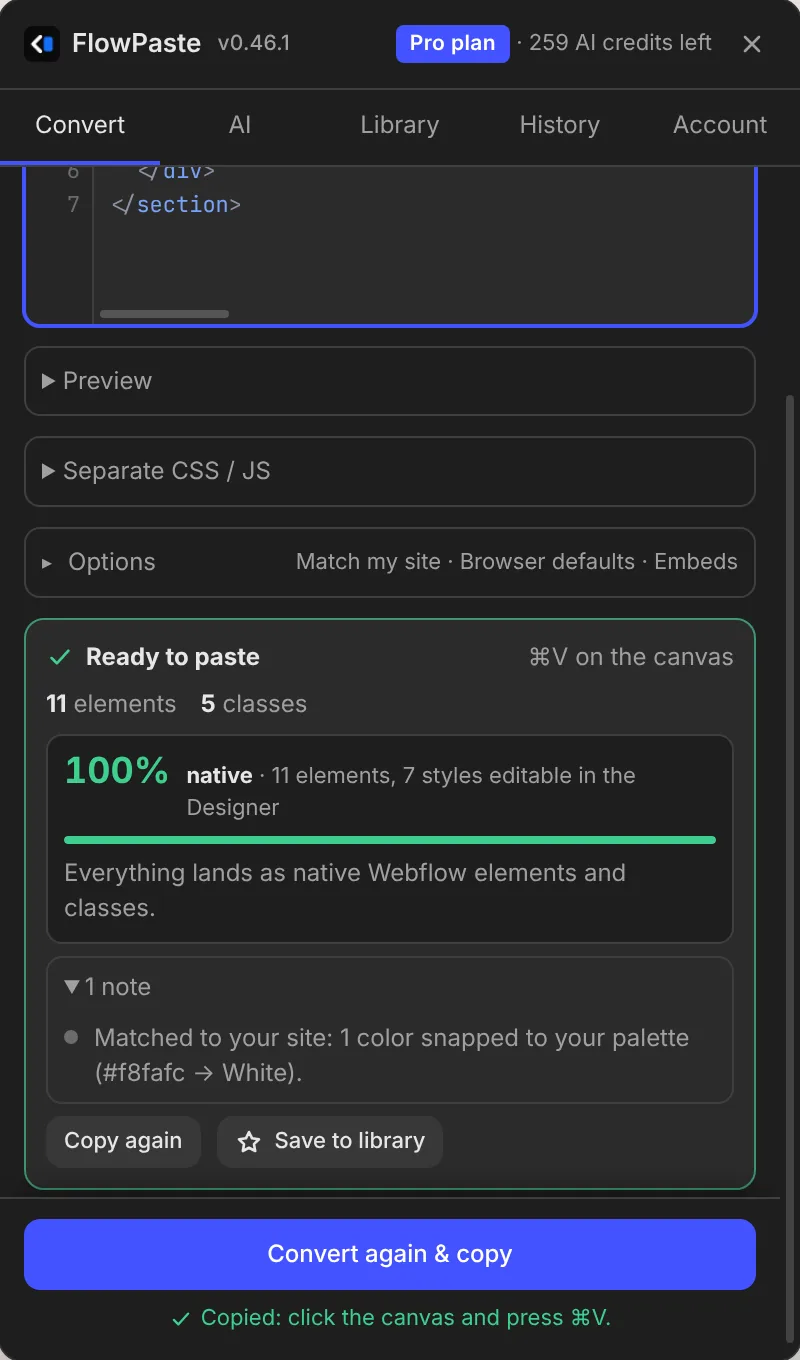
- In the Webflow Designer, paste the HTML into the FlowPaste panel and click Convert & copy.
- Press ⌘V or Ctrl+V on the canvas. FlowPaste removes the Tailwind script because Webflow does not use the script.
Limits
- If you load Tailwind plugins through the CDN (?plugins=forms,typography), FlowPaste does not apply the plugins at this time.
- If you use the Tailwind v4 CSS-first config (@theme), FlowPaste does not read the config at this time. FlowPaste uses the default v3 theme.
- Unless you select a font from your site, FlowPaste changes the ui-sans-serif font stack to Arial.
Questions
Can you use Tailwind CSS in Webflow?
Not natively: Webflow has its own class system and doesn't run the Tailwind compiler. You can load Tailwind with a script, but then nothing is editable in the Style panel. FlowPaste compiles your Tailwind once and turns it into normal Webflow classes, so you keep the design and lose the runtime.
Does the Webflow site need Tailwind installed?
No. The output is plain Webflow classes. You can delete the Tailwind script, because no element uses it.
Can I paste Tailwind UI or shadcn/ui components into Webflow?
Yes. Paste Tailwind UI HTML straight into the panel. shadcn/ui components are React, so paste the JSX (FlowPaste renders it first) or capture the rendered component from a live page with Live Capture.
Why are the class names different from my Tailwind classes?
FlowPaste merges the utility classes into 1 named class for each element role. 20 utility classes on 1 element are not usable in the Webflow Style panel. FlowPaste uses combo classes for variations.