What FlowPaste does
Paste code or capture a page. FlowPaste gives you native Webflow elements with real classes, breakpoints, states and Interactions.
Conversions
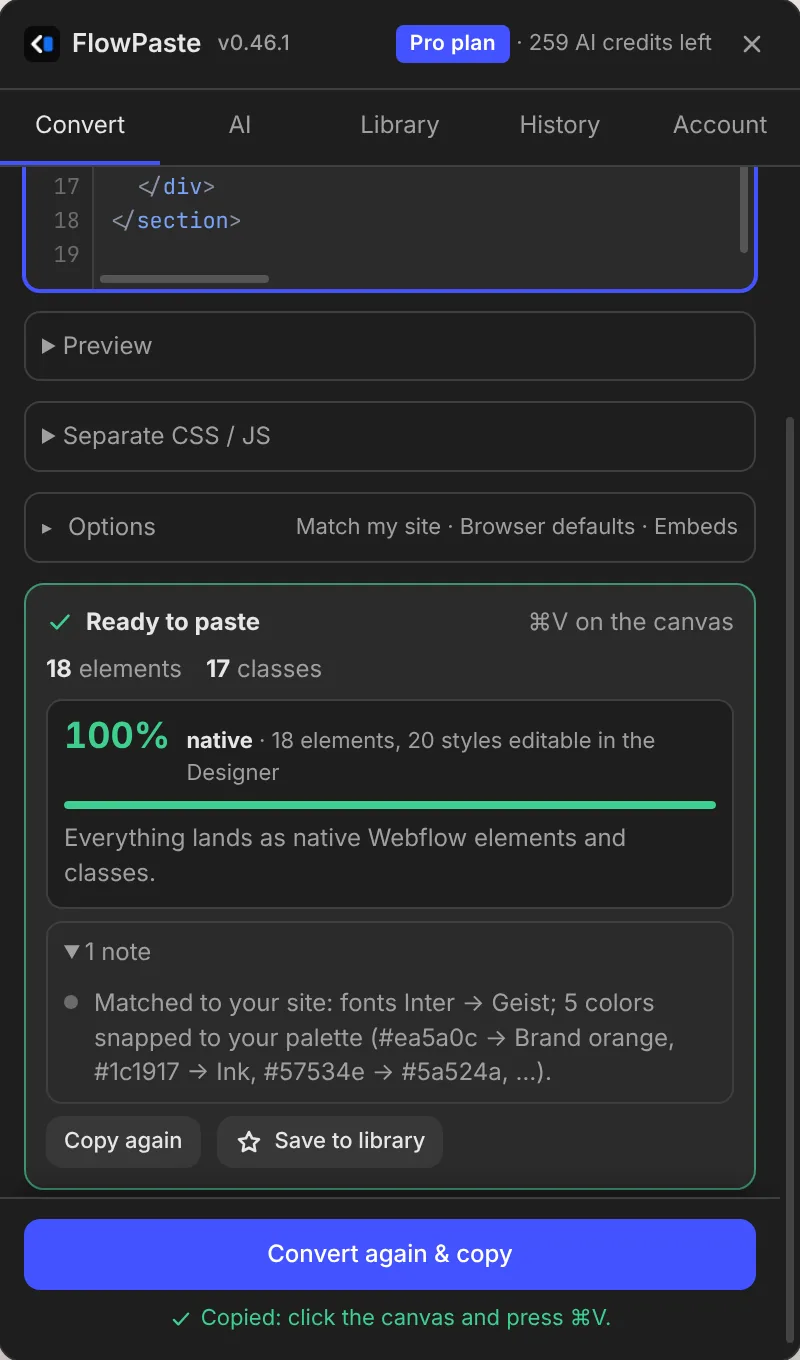
HTML to WebflowWebflow has no HTML import. Convert HTML and CSS into native Webflow elements, classes and breakpoints instead: methods compared, steps and fixes.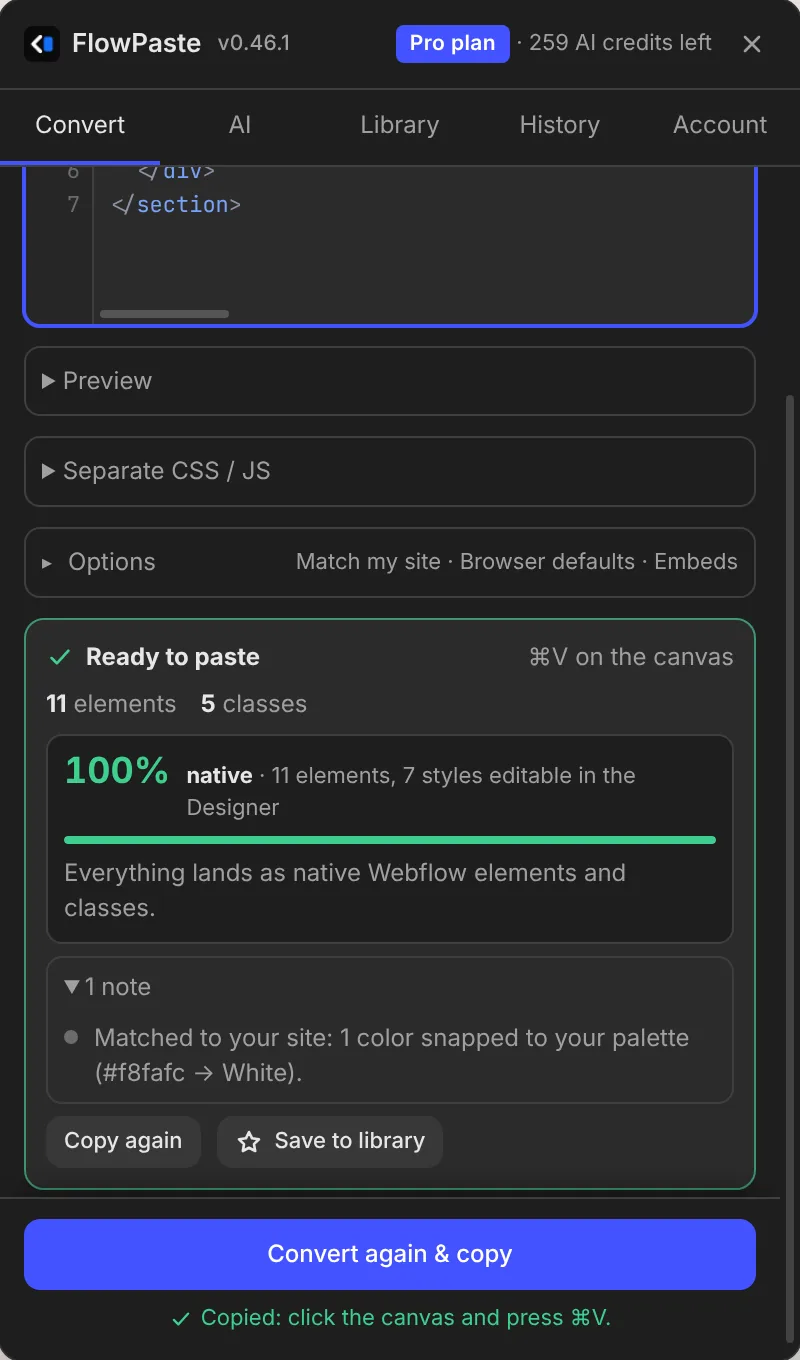 Tailwind to WebflowConvert Tailwind CSS from ChatGPT, Claude, v0 or Tailwind UI into native Webflow elements with named classes and breakpoints, with no Tailwind runtime.
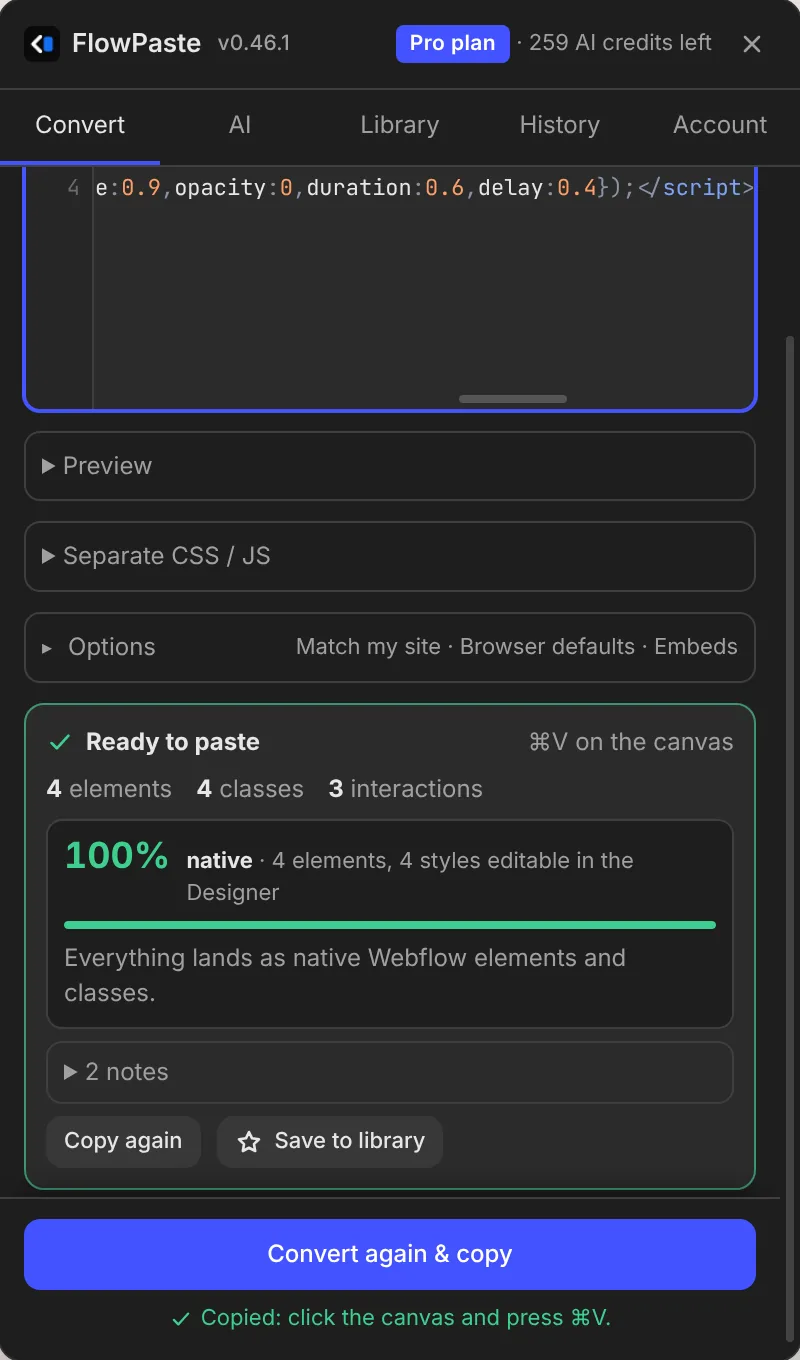 GSAP to WebflowTurn GSAP code (gsap.from, timelines, ScrollTrigger, scroll animations) into native Webflow Interactions you can edit. Paste the code, press ⌘V in Webflow.
Tools inside the extension
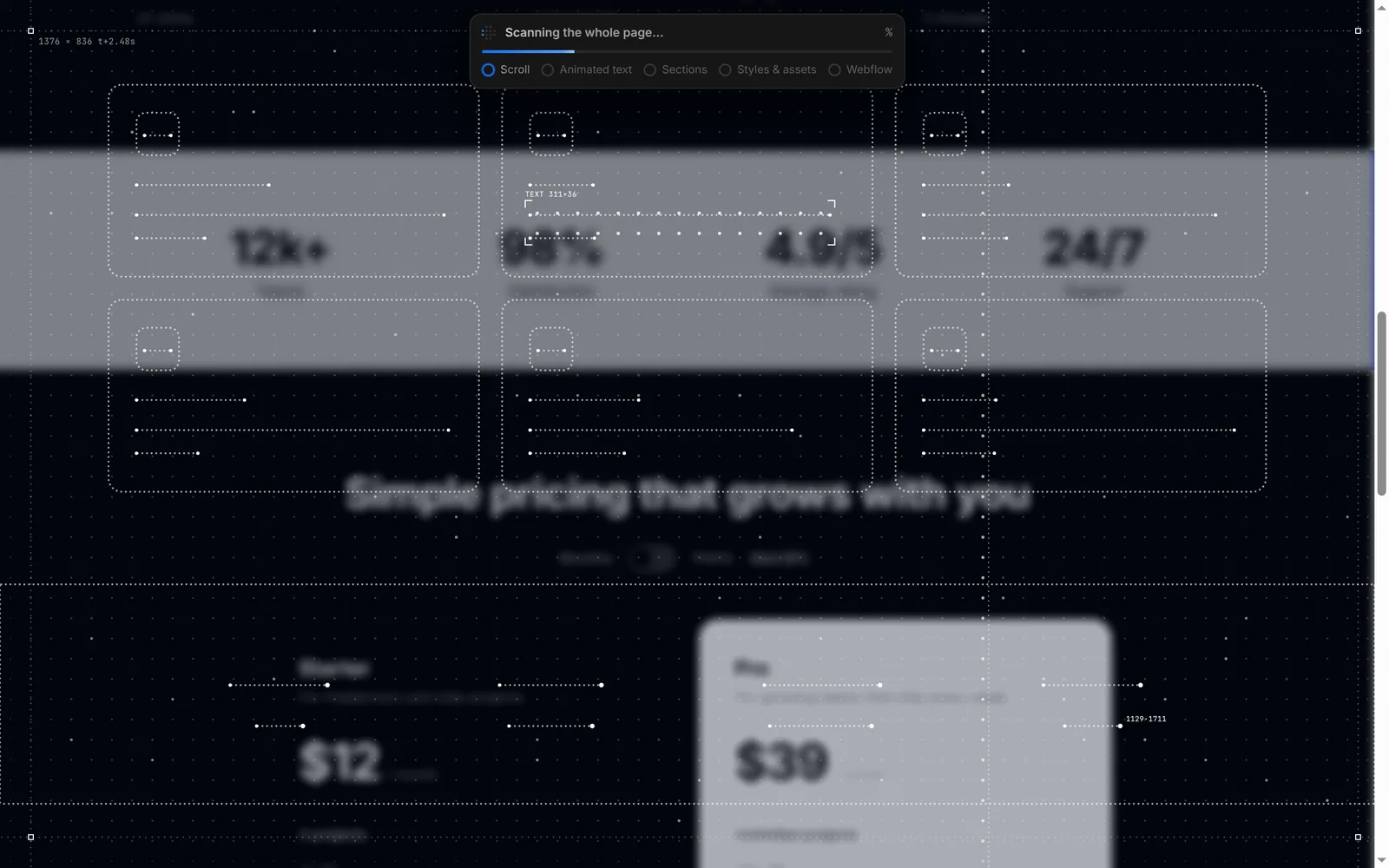
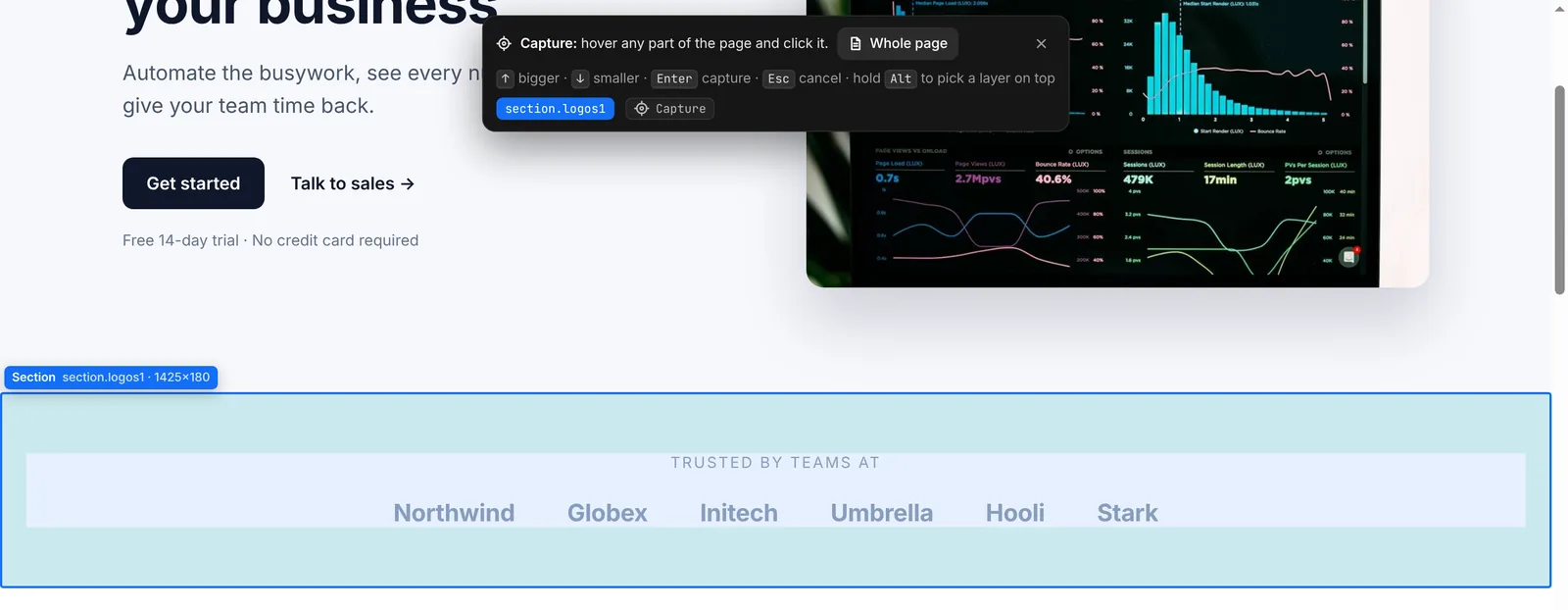 Live CaptureFlowPaste Live Capture copies a section from a web page, with the CSS of the section. Then FlowPaste converts the section to native Webflow elements.
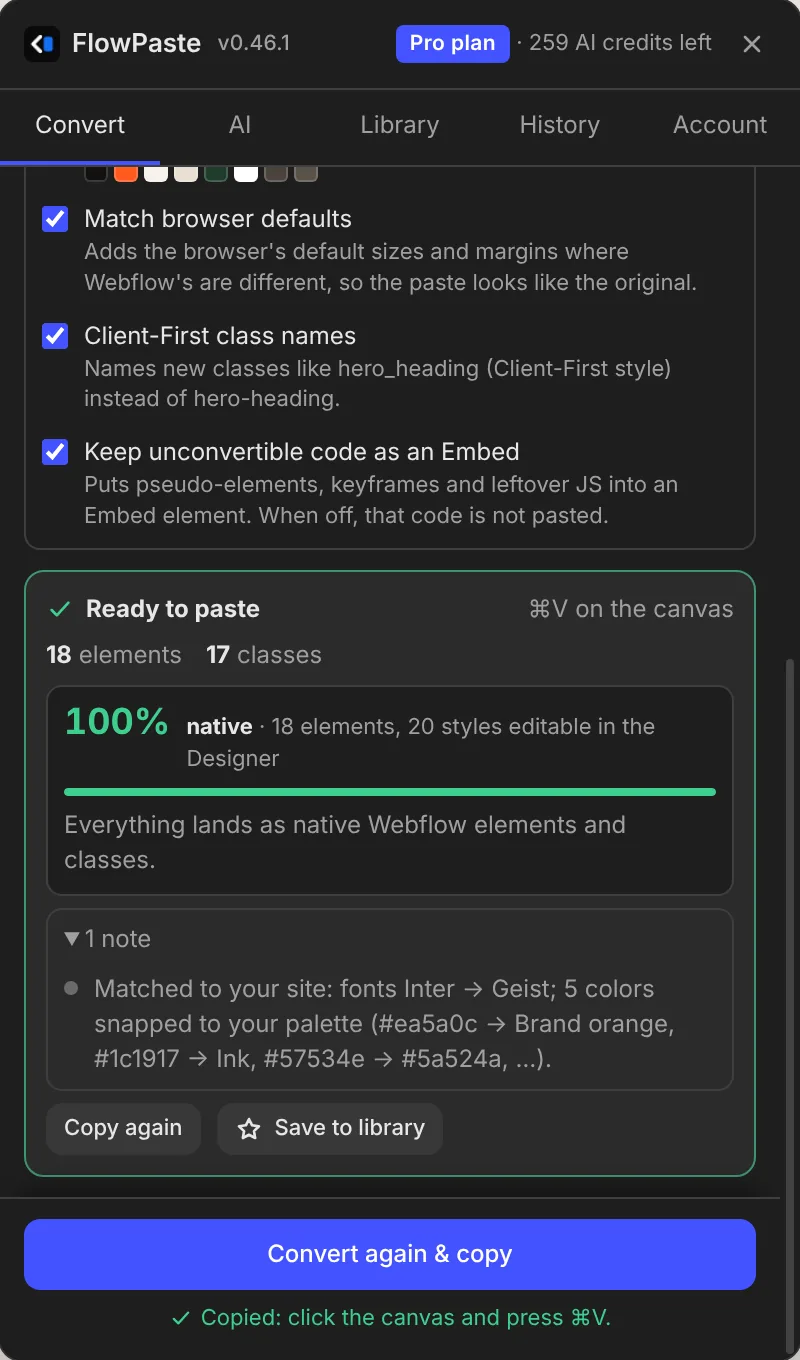 Client-First namingConvert HTML, Tailwind and AI code to Webflow with Finsweet Client-First class names like hero_heading and pricing_card, turned on once for every paste.
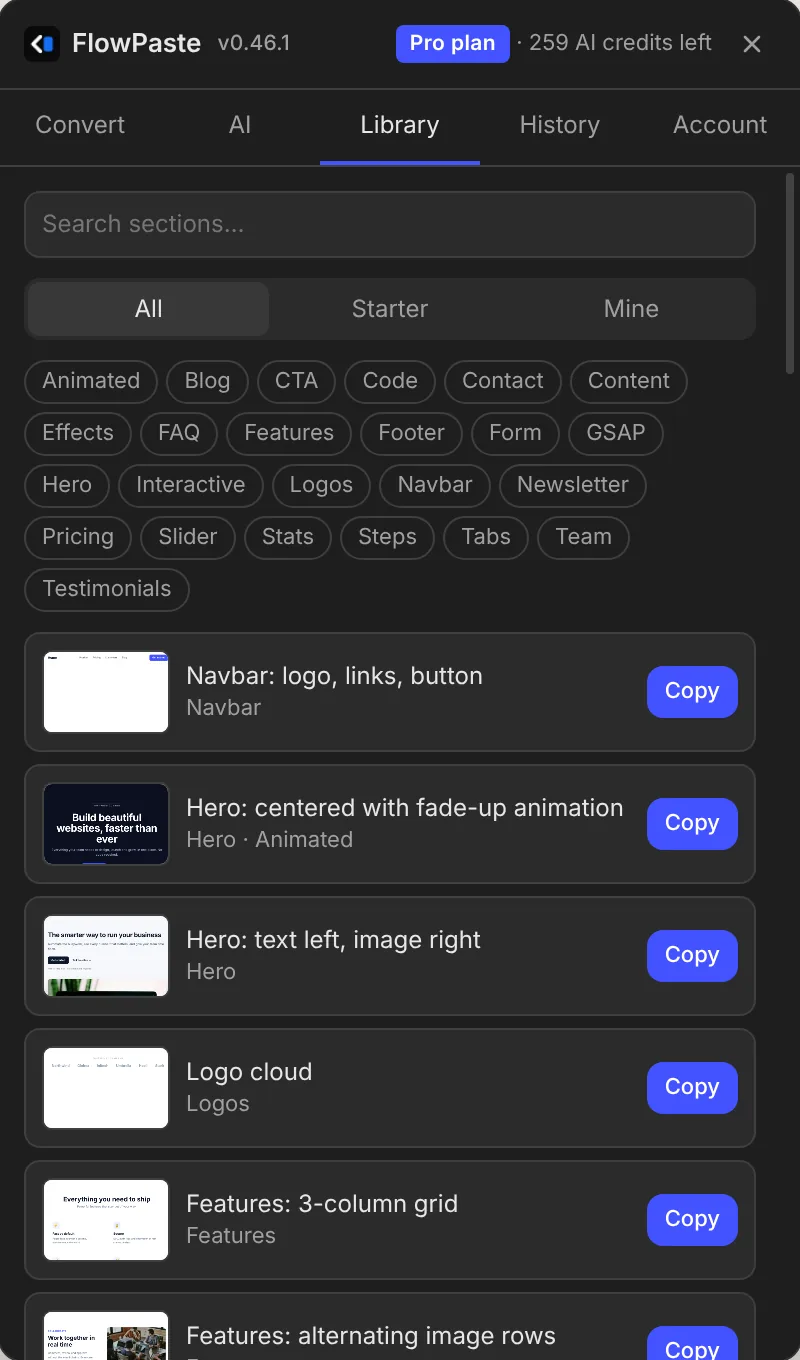 Starter libraryHeroes, features, pricing, forms, FAQs, footers, GSAP sections and hover and scroll effects that you can paste into Webflow as native elements. FlowPaste includes these sections free.
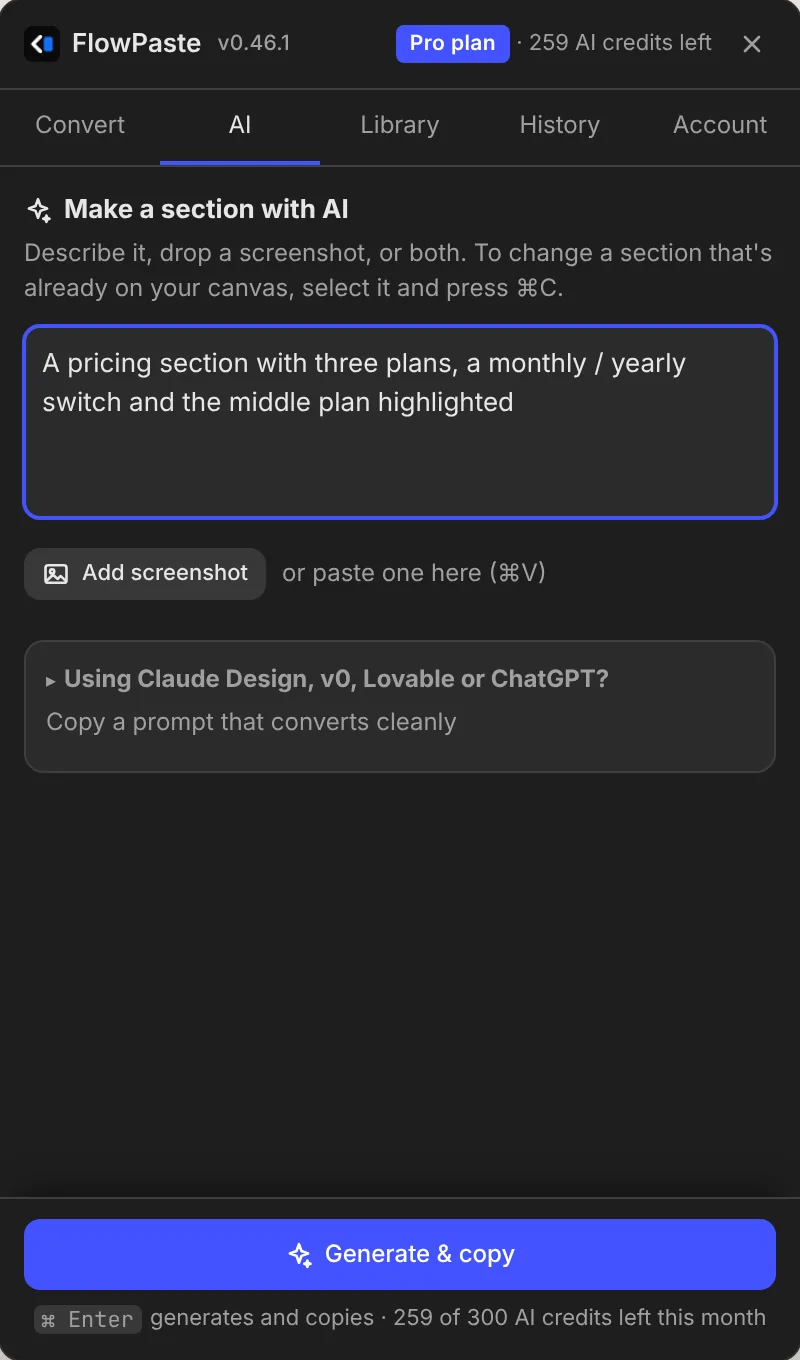 AI section generatorDescribe a section or drop a screenshot. FlowPaste's AI builds it as native Webflow elements and classes. Change it with follow-up prompts.Copy without CMSWebflow empties Collection Lists when you copy them. FlowPaste copies the element with its real CMS text and images, as plain elements you can paste anywhere.Breakpoints & statesFlowPaste maps CSS media queries to the Webflow tablet, mobile and large breakpoints. FlowPaste maps :hover, :focus and :active to Webflow states.